Adding User Profiles
The first step in adding User Profiles is to access the "User Profiles" tab. This function allows you to create Profiles that cover permissions given to Users according to their preference, thus making it easier to create Users with the appropriate permissions.
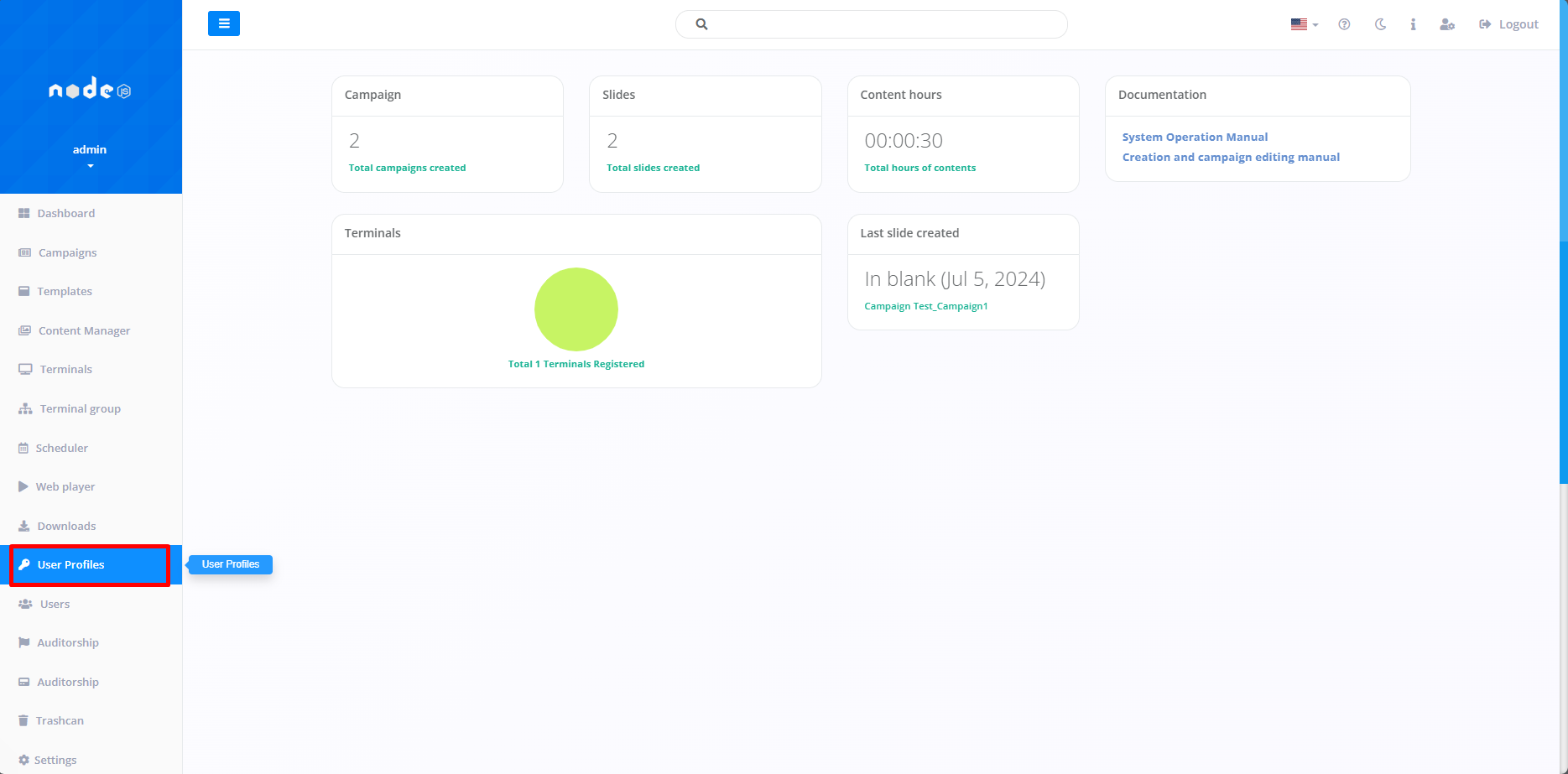
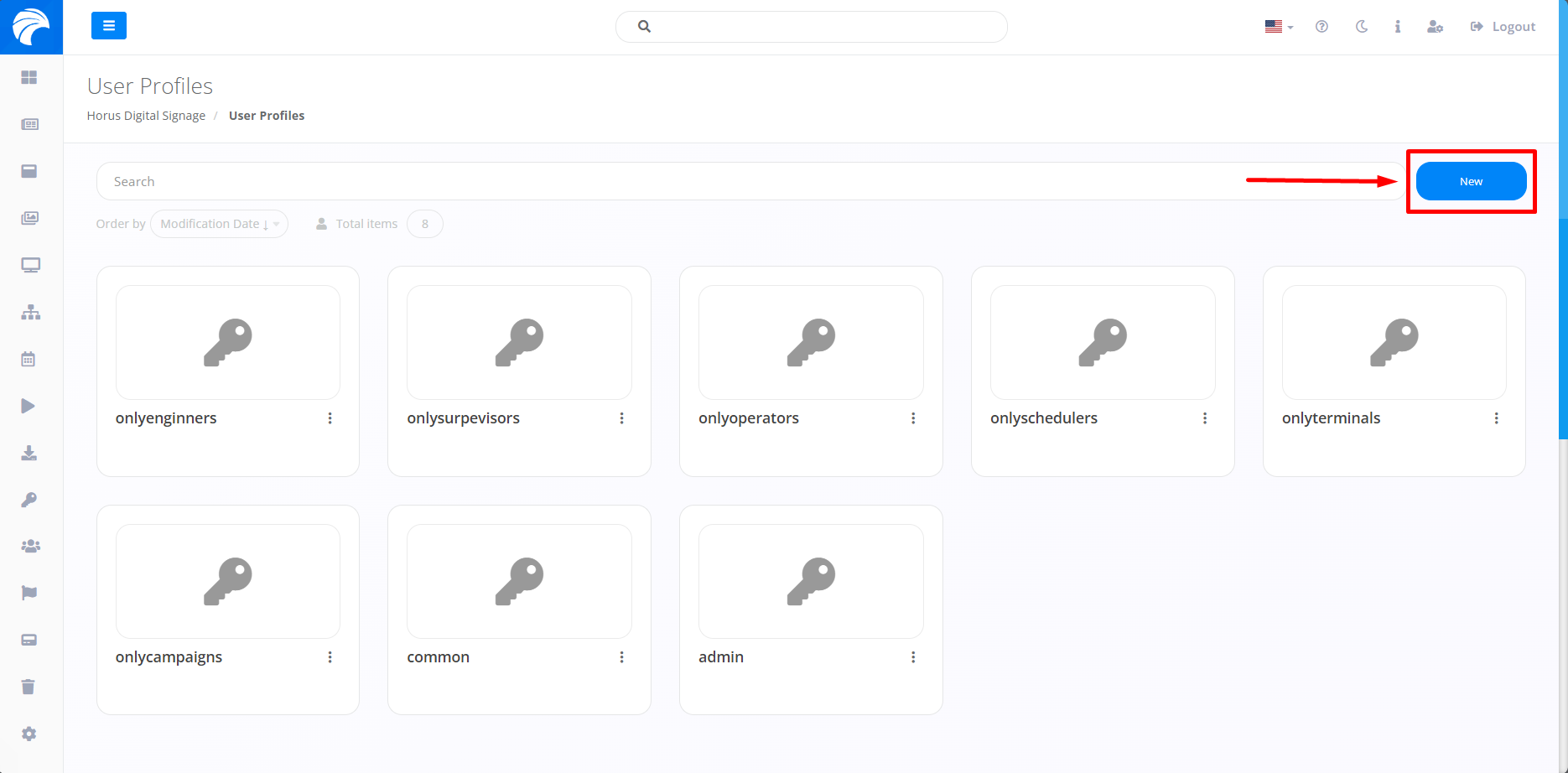
When you click on "User profiles", the system will open the screen that allows you to start the process of creating a Profile.To do this, click on "New".
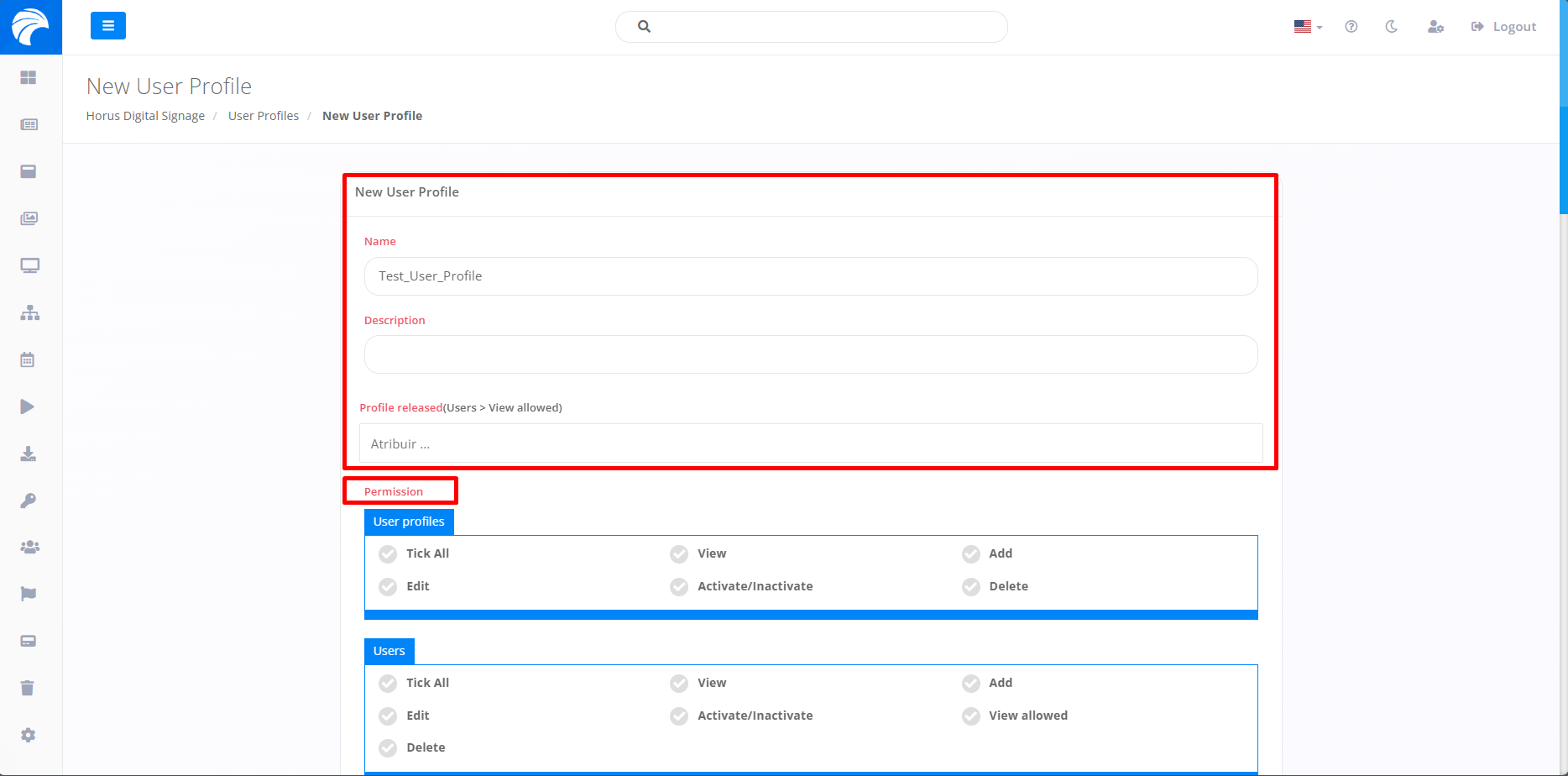
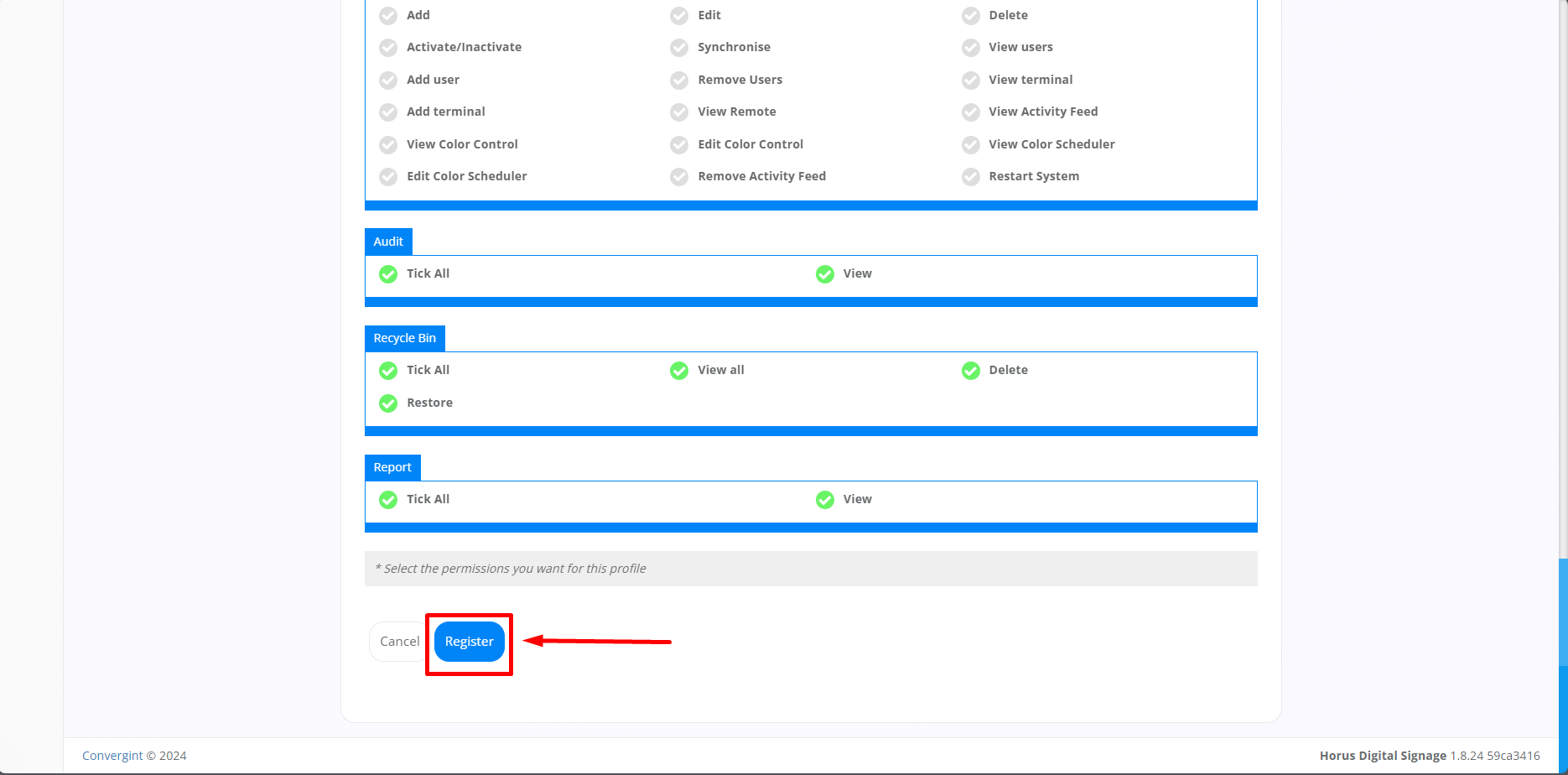
When you click, you will be able to create a User Profile according to your preference. Enter the name of the profile, provide a description (optional) to exemplify the new profile, assign the permissions to which you want the new user to have access. When you have filled in the desired permissions, click on "Register".
Note: When you go to the "User Profiles" tab, you'll notice that there are standard profiles that make it easier to use the function.